Unhide all hidden workbook windows with one click in Excel
Kutools for Excel
Boosts Excel With 300+
Powerful Features
If there are multiple workbooks which are hidden in Excel, you cannot unhide all these workbook windows with one click. You may have to unhide each of them separately. Kutools for Excel's Unhide All Hidden Windows feature can save your time by quickly unhiding all hidden workbook windows with only one click.
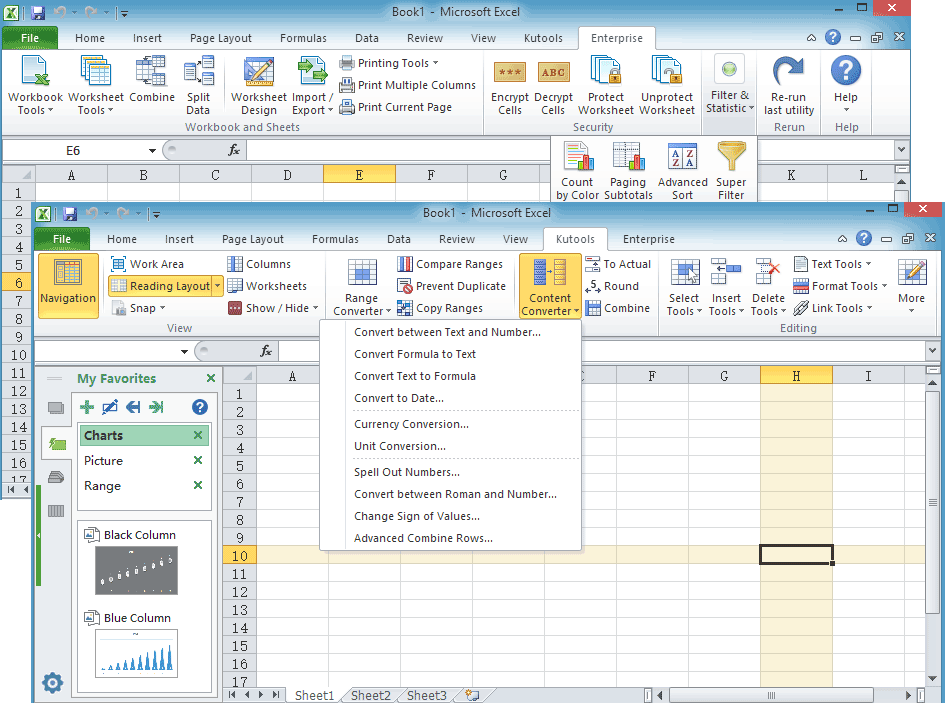
Click Kutools > Show & Hide > Unhide All Hidden Windows. See screenshot:

Note: 3 windows in the bracket means there are three hidden workbooks.
Notes:
- After applying Unhide All Hidden Windows, all workbook windows will be listed vertically or horizontally in the taskbar.
- This utility supports Undo, you can quickly unhide all hidden workbooks by pressing Undo (Ctrl+Z) immediately.
- You can hide all inactive workbooks with one click by using Kutools for Excel’s Hide Inactive Windows which stays in Show/Hide group.
Demo: Hide all inactive workbook windows and then show them again:
Kutools for Excel: Over 300 handy tools at your fingertips! Start your 30-day free trial with no feature limitations today. Download Now!
Productivity Tools Recommended
The following tools can greatly save your time and money, which one is right for you?
Office Tab: Using handy tabs in your Office, as the way of Chrome, Firefox and New Internet Explorer.
Kutools for Excel: More than 300 Advanced Functions for Excel 2021, 2019, 2016, 2013, 2010, 2007 and Office 365.
The following tools can greatly save your time and money, which one is right for you?
Office Tab: Using handy tabs in your Office, as the way of Chrome, Firefox and New Internet Explorer.
Kutools for Excel: More than 300 Advanced Functions for Excel 2021, 2019, 2016, 2013, 2010, 2007 and Office 365.
Kutools for Excel
The functionality described above is just one of 300 powerful functions of Kutools for Excel.
Designed for Excel(Office) 2021, 2019, 2016, 2013, 2010, 2007 and Office 365. Free download and use for 30 days.