Take a snapshot (backup) of current workbook at any time in Excel
Kutools for Excel
Boosts Excel With 300+
Powerful Features
Taking a snapshot of the current workbook for backing up a temporal copy of it in your Excel, it will save your time while you need to go back to the previous version of your current workbook. Kutools for Excel's Snap feature can help you temporally backup the workbook at any time and recover your workbook to any backup versions with one click in Excel.
Take a snapshot of the current workbook whenever you want.
Recover to any snapshots of the current workbook whenever you want.
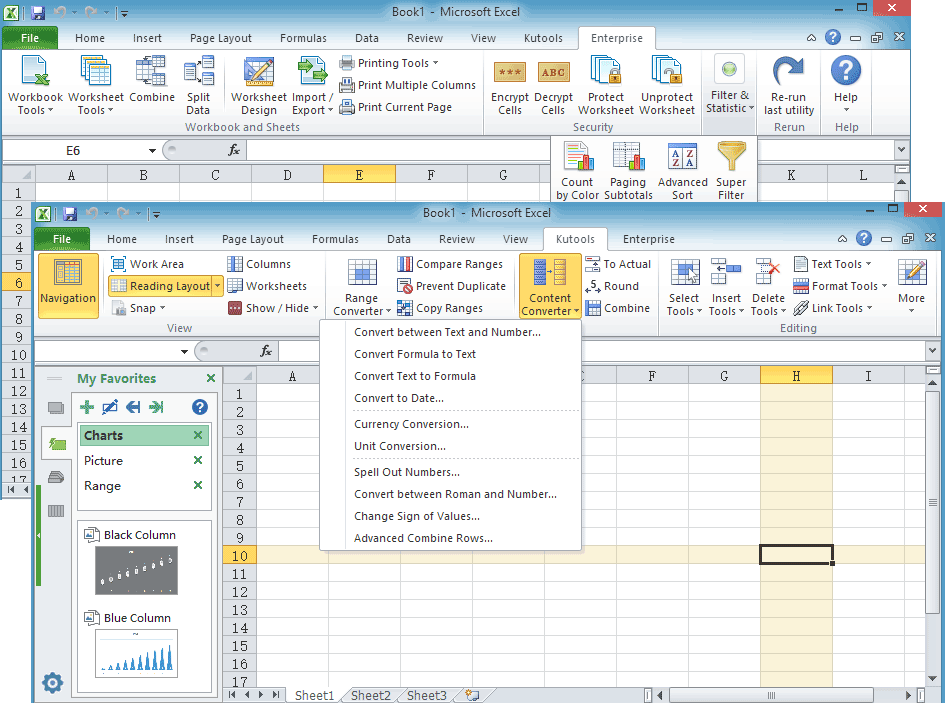
You can access the Snap as following screenshot shown:

Usage:
1. Take a snapshot (backup) of current workbook by clicking Kutools > Snap > Track Snap, and in the prompt box, please specify a name for this snapshot, see screenshots:
|
 |
 |
2. To recover to any snapshots or backups, please click on specific snapshot you have created.

Note: All snapshots (backups) of the workbook will be removed if the workbook has been closed.
Demo: Take snapshots of the current workbook and recover them anytime
Kutools for Excel: with more than 300 handy Excel add-ins, free to try with no limitation in 30 days. Download and free trial Now!
The following tools can greatly save your time and money, which one is right for you?
Office Tab: Using handy tabs in your Office, as the way of Chrome, Firefox and New Internet Explorer.
Kutools for Excel: More than 300 Advanced Functions for Excel 2021, 2019, 2016, 2013, 2010, 2007 and Office 365.
Kutools for Excel
The functionality described above is just one of 300 powerful functions of Kutools for Excel.
Designed for Excel(Office) 2021, 2019, 2016, 2013, 2010, 2007 and Office 365. Free download and use for 30 days.