Office 2010: How to disable or enable Clipboard in Office 2010?
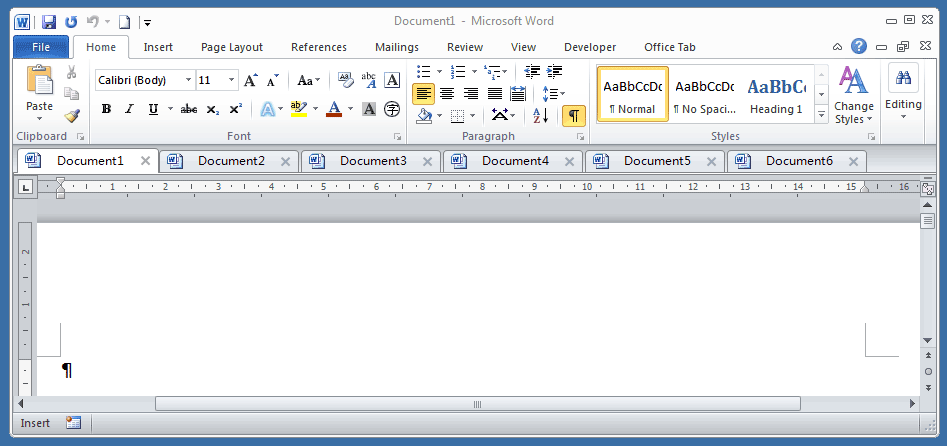
The Clipboard in Office 2010 doesn’t come on automatically like it does in other versions of Office. You can enable or disable it with these steps:
1. In Excel 2010, Word 2010 or PowerPoint 2010, Click Home.
Office Tab: Brings tabbed interfaces to Word, Excel, PowerPoint... |
|
Enhance your workflow now. Read More Free Download
|
2. Click the arrow next to Clipboard. This will enable or disable the Office Clipboard.
Note: If you’re using Outlook, this can be done from the Message tab when you are composing a new message.

Use Tabbed Document Interface in Office 2003/2007/2010/2013/2016/2019:
 Using tabs in Word, Excel, PowerPoint, Publisher, Access, Project and Visio;
Easy to switch back and forth between files in Microsoft Office 2003/2007/2010/2013/2016/2019;
Compatible with Windows XP, Windows Vista, Windows 7 / 8 / 10, Windows Server 2003 and 2008, Citrix System and Windows Terminal (Remote Desktop) Server;
Free trial without feature limitation in 30 days!