ZKutools Anywhere — AI for Excel, Outlook & Word
Bring AI-powered tools and classic productivity features to Excel, Outlook, and Word, so you work faster and stay in flow—no app switching and no complex setup. From data summaries, formulas, and text cleanup to email drafting, thread summaries, document rewriting, and translation, ZKutools Anywhere helps you handle everyday Office tasks with AI. It runs inside Office, with free classic features and AI features powered by your ZKutools AI account.

3 AI-Powered Office Solutions
ZKutools Anywhere includes 3 powerful AI tools
Browse all ZKutools on Microsoft AppSource
AI features require a ZKutools AI account. Start with 200,000 free tokens, then continue with one ZKutools AI subscription for Excel, Outlook, and Word.
 ZKutools Anywhere for Excel
Transform your Excel experience with AI-powered productivity tools
Intelligent Data Analysis
Ask questions about your data and get instant AI-powered answers
Automatic Information Extraction
Extract dates, contact info, addresses, and more from messy text
Advanced Text Processing
Clean up data, remove formatting inconsistencies, and translate content
Smart Formula Generation
Convert natural language descriptions into complex Excel formulas
Content Creation & Enhancement
Generate summaries, polish text, and rewrite content in different styles
Multi-language Support
Translate text between languages and automatically convert units
 ZKutools Anywhere for Outlook
 ZKutools Anywhere for Word
Popular Features
ZKutools Anywhere for Excel — Function Library
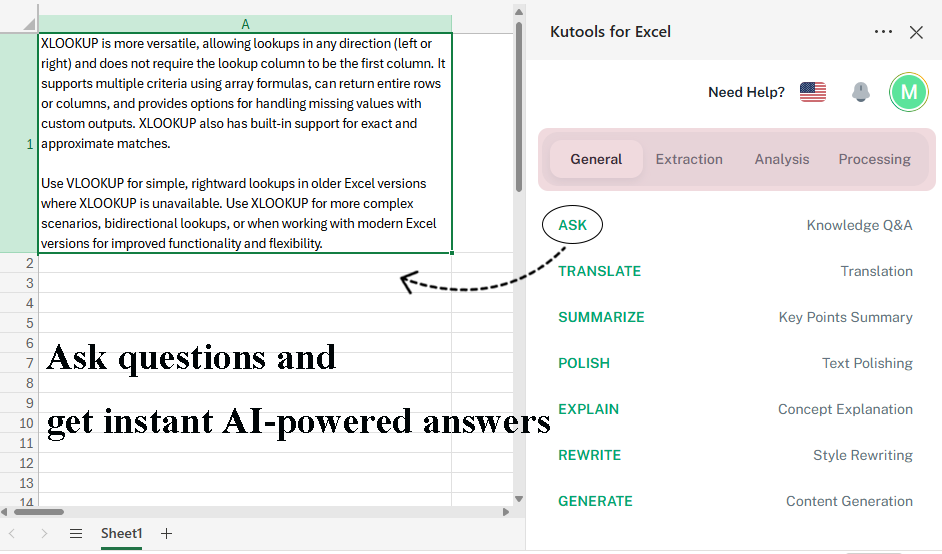
Ask questions and get AI-powered answers, extract data, analyze data, and advanced text processing.
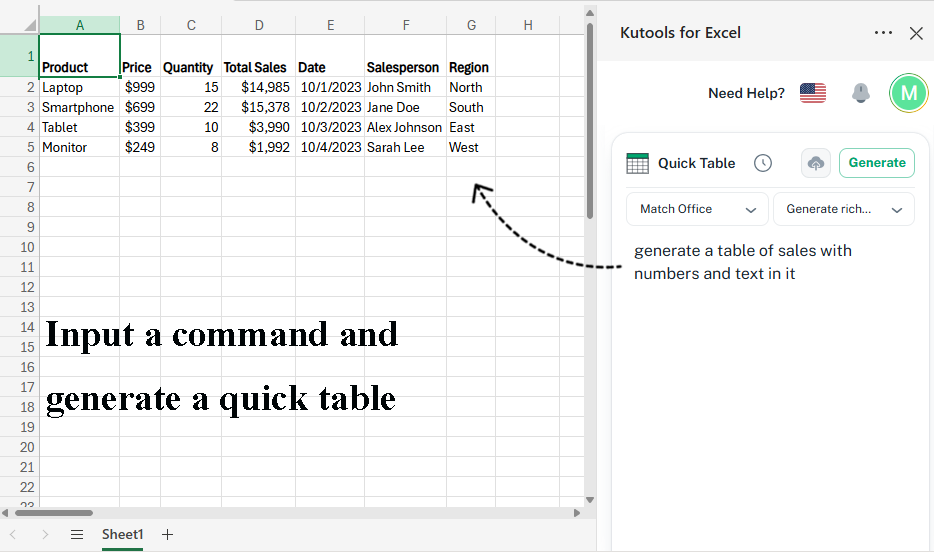
ZKutools Anywhere for Excel — Quick Table
Generate a quick table based on your command.
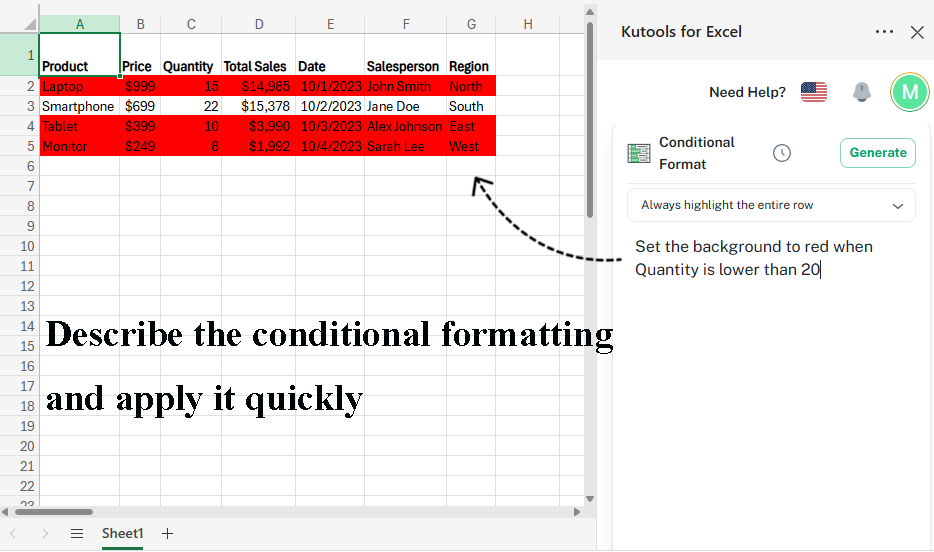
ZKutools Anywhere for Excel — Conditional Formatting
Briefly describe the conditional formatting, then apply it.
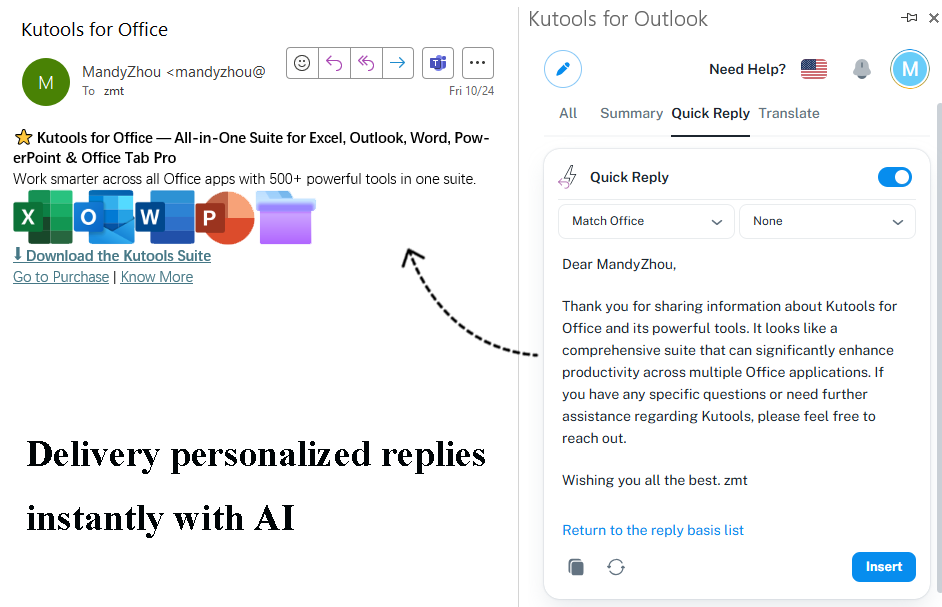
ZKutools Anywhere for Outlook — Quick Reply
Instantly generate a personalized reply with AI.
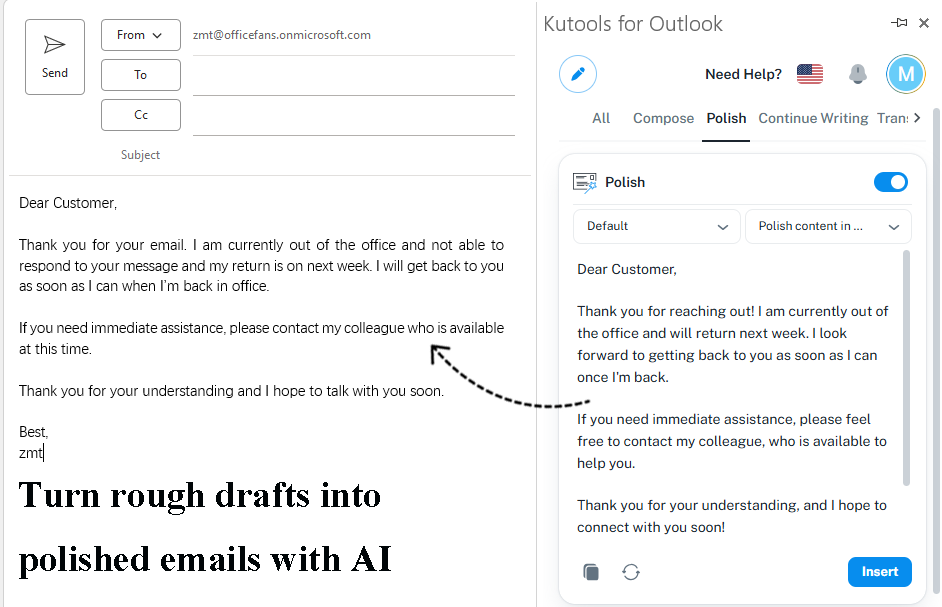
ZKutools Anywhere for Outlook — Polish
Write faster and sound sharper—let AI polish your emails.
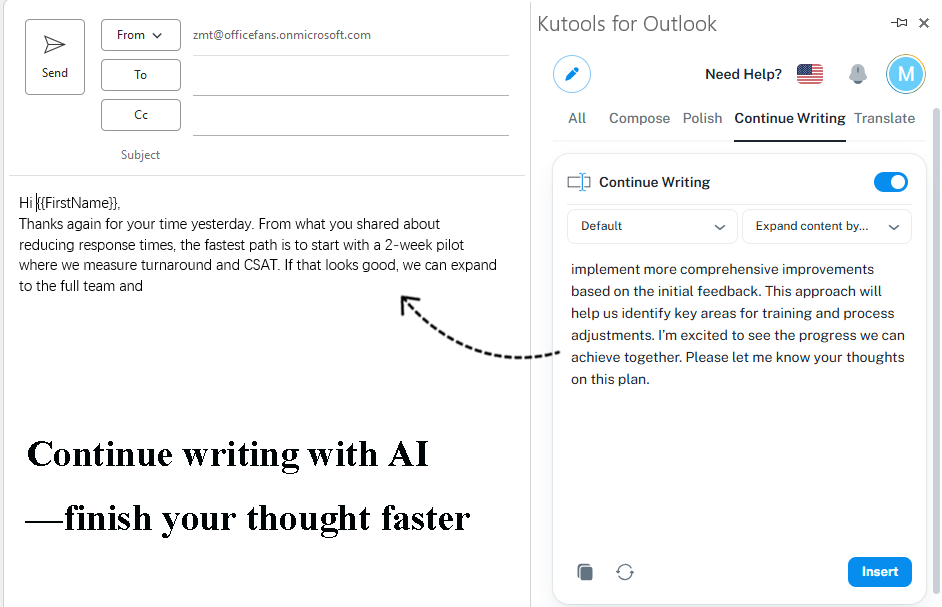
ZKutools Anywhere for Outlook — Continue Writing
Continue writing with AI to expand ideas and finish faster.
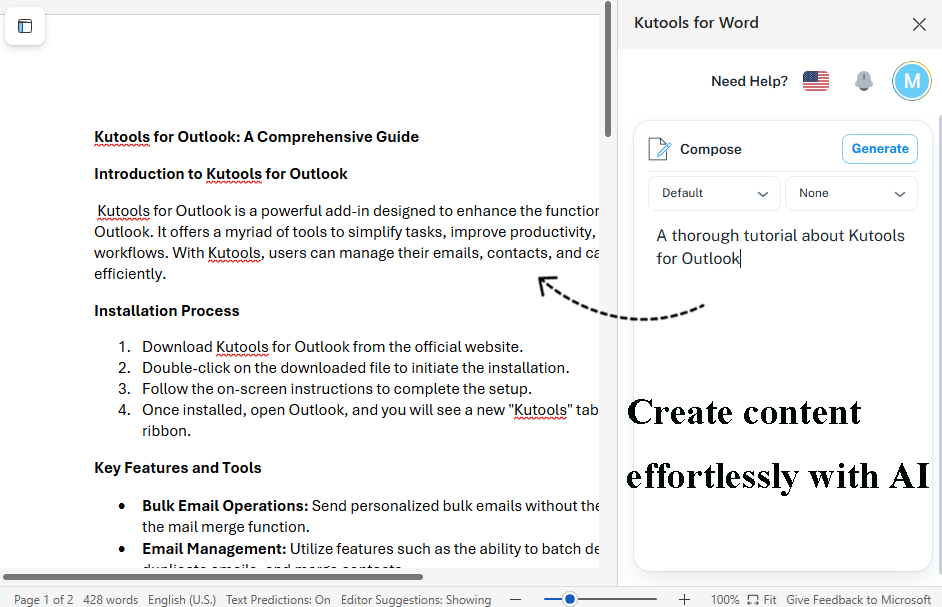
ZKutools Anywhere for Word — Compose
Generate high-quality, well-structured content based on specified topics and key points.
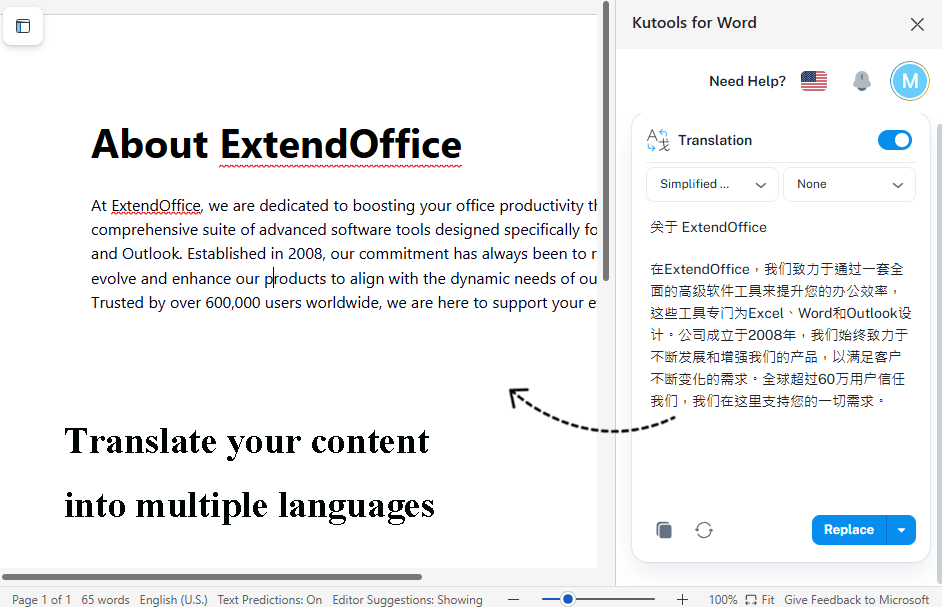
Kutootols for Word — Translate
Seamlessly translate content for global audiences.
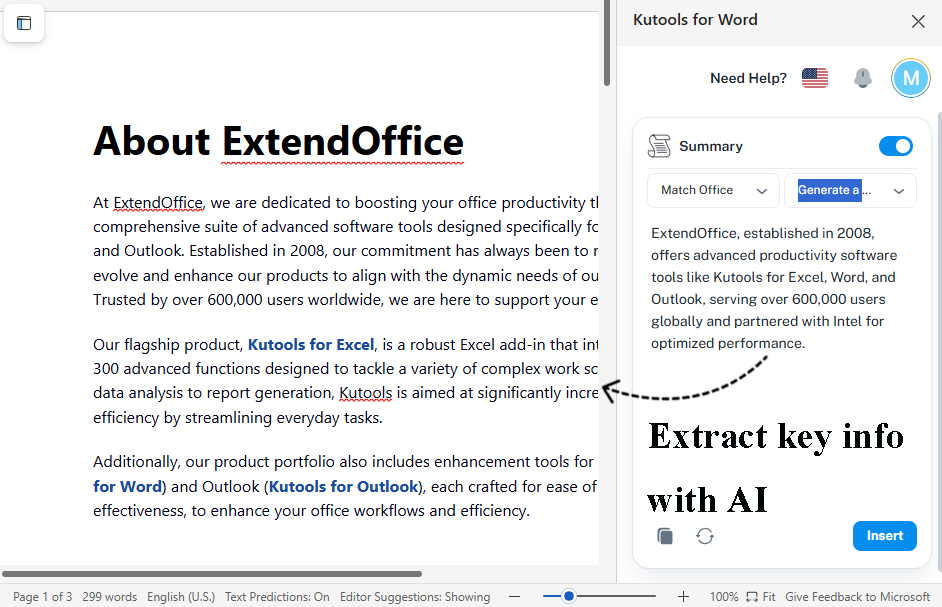
ZKutools Anywhere for Word — Summary
Quickly extract key information from documents to help you efficiently grasp the core content.
AI Subscription Plans
Choose the plan that works best for you and your team
Basic
- For Excel, Outlook, Word
- All AI Features
- Custom AI Key
- ZKutools AI Cloud Service
- Coordination with Top Language Models
- Exclusive AI Email Prompts
Premium
- For Excel, Outlook, Word
- All AI Features
- Custom AI Key
- ZKutools AI Cloud Service
- Coordination with Top Language Models
- Exclusive AI Email Prompts
Enterprise
- Everything in Premium
- Free Use for Enterprise Employees
- Multi-User Management
- Enterprise Technical Support
Why Choose ZKutools Anywhere
Discover the unique advantages that set ZKutools Anywhere apart from other Office productivity tools
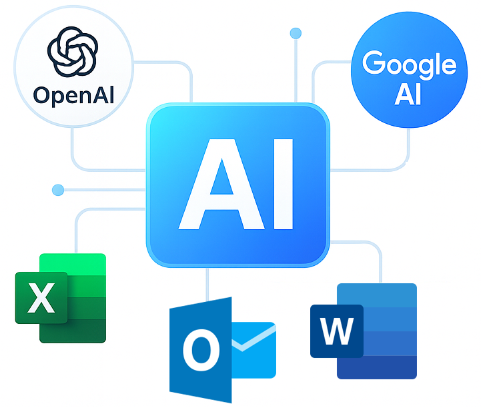
Seamless AI Integration
ZKutools Anywhere works with the world's leading language models, providing flexibility and choice...
- Compatible with multiple AI platforms
- Flexible API key integration
- Consistent performance
- Seamless switching
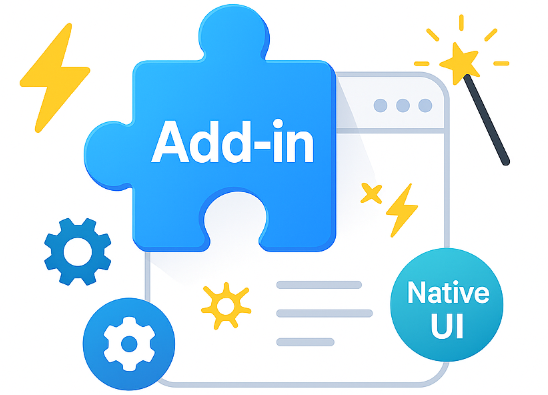
No Complex Setup Required
ZKutools Anywhere integrates directly into your Office applications with minimal setup...
- Direct integration
- 50+ smart functions
- No technical expertise
- Native-like experience
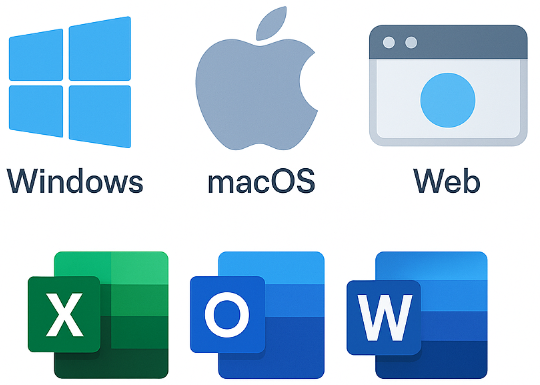
Multi-Platform Compatibility
ZKutools Anywhere supports a wide range of Office versions...
- Excel, Outlook, Word
- Desktop, web & iPad
- Windows & Mac
- Microsoft 365 & older

Real-Time Processing
All ZKutools Anywhere functions provide instant results with streaming output...
- Instant results
- No delays
- Efficient workflow
- Real-time insights
What Our Users Say
Discover how ZKutools Anywhere is transforming workflows worldwide
Frequently Asked Questions
Excel: Supports Excel 2016 or later on Windows, Excel 2016 or later on Mac, Excel on the web, and Excel for iPad where Office add-ins are supported.
Outlook: Supports Outlook 2013 or later on Windows, Outlook 2016 or later on Mac, Outlook on the web, and Outlook for iPad where Office add-ins are supported.
Word: Supports Word 2013 or later on Windows, Word 2016 or later on Mac, Word on the web, and Word for iPad where Office add-ins are supported.
Yes. ZKutools Anywhere focuses mainly on AI-powered features, but it also includes classic productivity features. These non-AI features are free to use.
Yes. To use AI features in ZKutools Anywhere for Excel, Outlook, or Word, you need to register and sign in with a ZKutools AI account.
After signing in, your available AI usage depends on your free tokens or your ZKutools AI subscription plan.
ZKutools AI includes a free trial of 200,000 tokens for AI-powered features.
After the free tokens are used, you need a ZKutools AI subscription to continue using AI features.
Yes. One ZKutools AI subscription can be used for AI features in all three products:
- ZKutools Anywhere for Excel
- ZKutools Anywhere for Outlook
- ZKutools Anywhere for Word
You can view current ZKutools AI plans, compare subscription options, and upgrade to Premium on the ZKutools AI subscription page.
Yes, we take data security seriously. ZKutools Anywhere processes your data with encryption and does not store your personal information longer than necessary to provide the service.
For AI features, usage may depend on your selected AI service, account settings, or subscription plan.
Ready to Transform Your Office Experience?
Join thousands of professionals who are already using ZKutools Anywhere to work smarter and achieve more in less time.